CopernicusLAC Platform User interface
Logging in to the CopernicusLAC platform
The landing page of the CopernicusLAC Platform is accessible at www.copernicuslac.terradue.com.
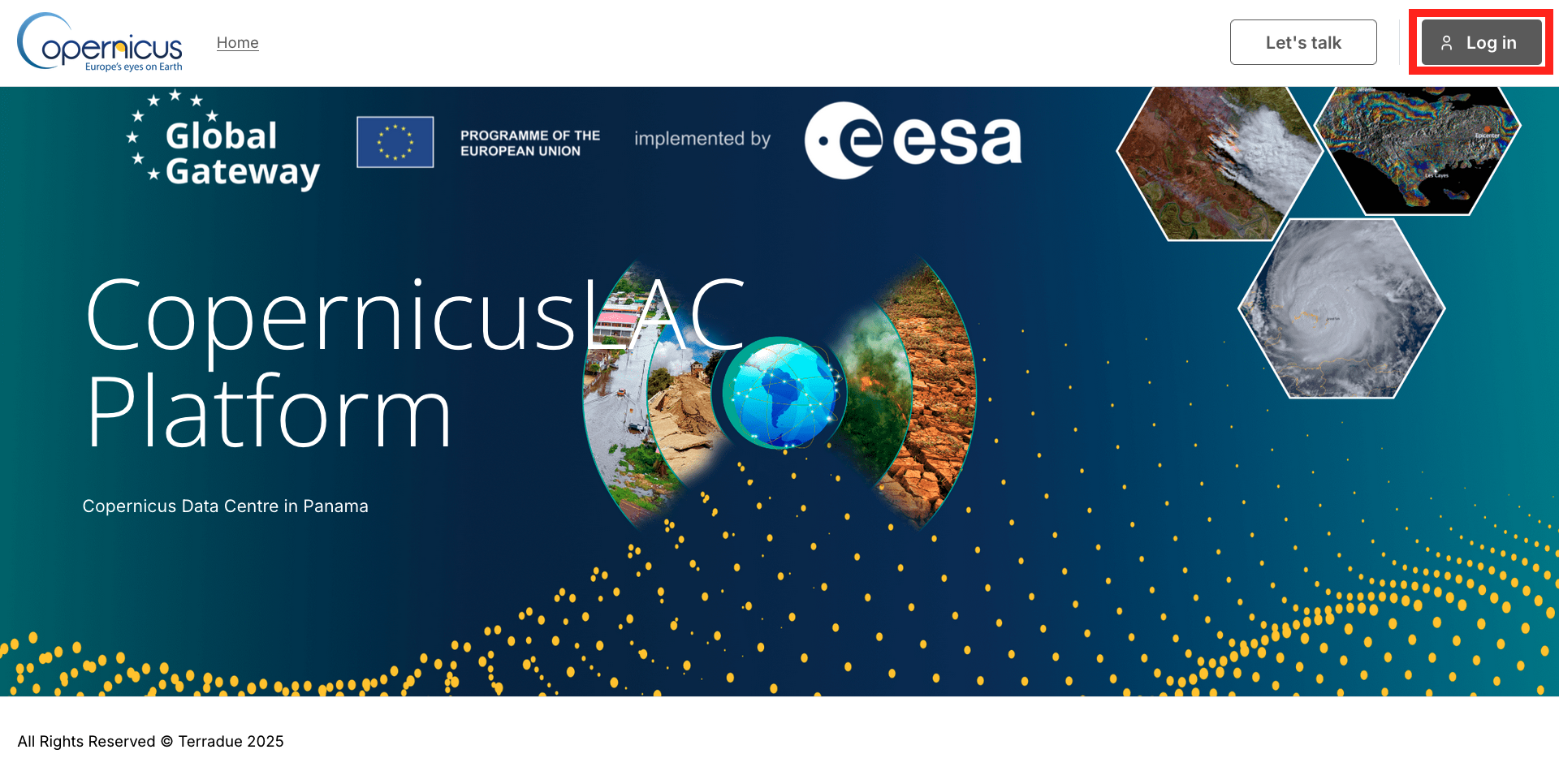
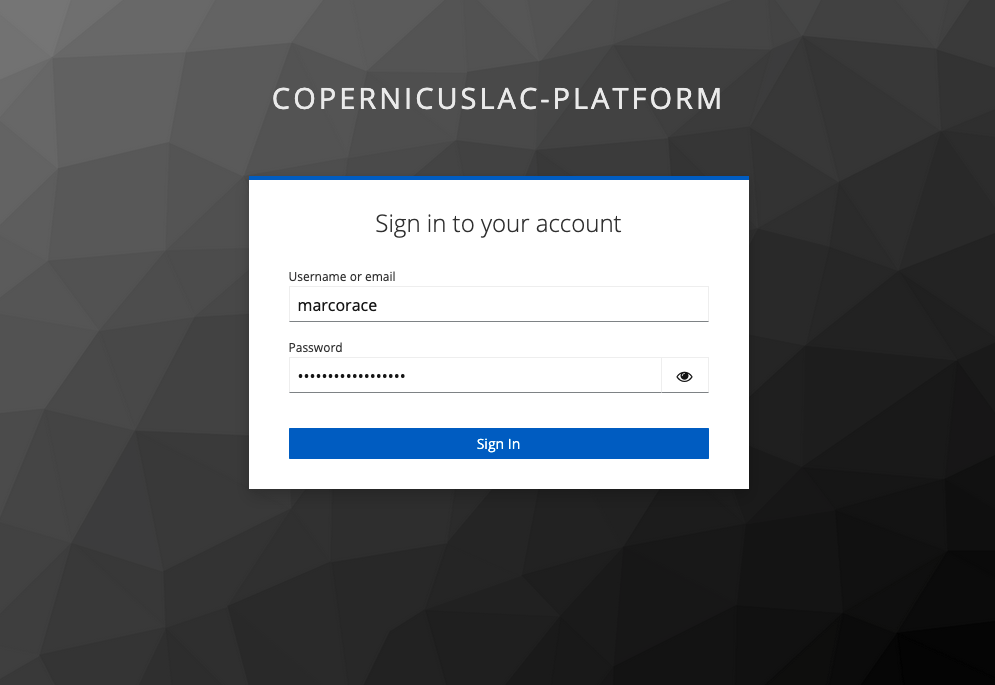
To access the platform, the user must click on the Log in button located in the upper right corner of the page and insert the given credentials.
Marketplace
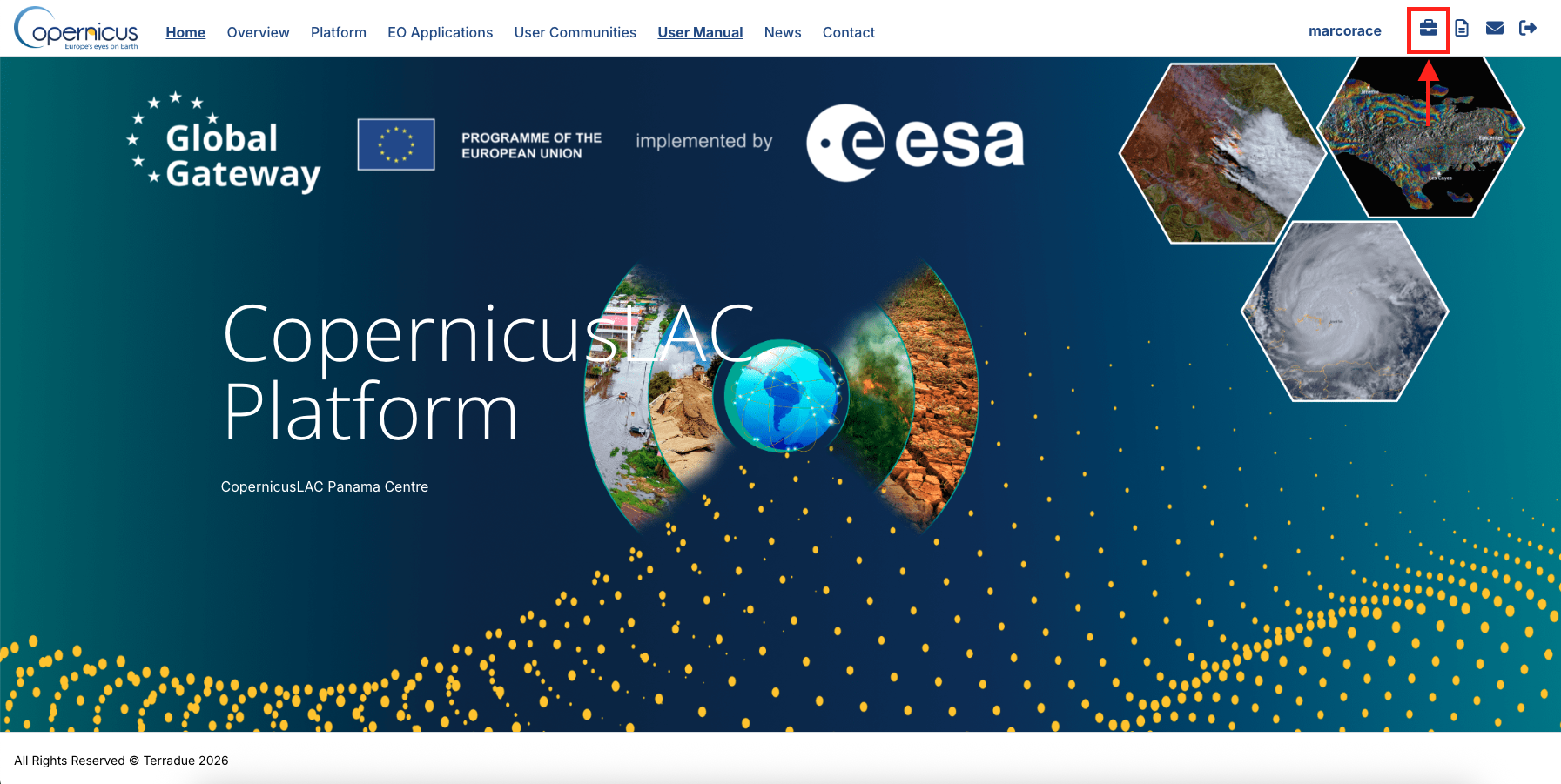
After the login, the user can access the Services of the CopernicusLAC Platform by clicking on the Marketplace icon from the upper menu.
After that the user will be automatically redirected to his workspace providing the list of applications.
Once inside the Marketplace the user will find a list of web applications designed to visualize and analyze service outputs generated by the suite of EO services made available for each use case. These are of two types:
-
Explorer - a web application providing access to automated processing results,
-
Workspace - a web application providing access to on-demand EO Processing Services,
-
Browser - a metadata and data discovery application (e.g. to browse federated or hosted collections of EO and auxiliary datasets).
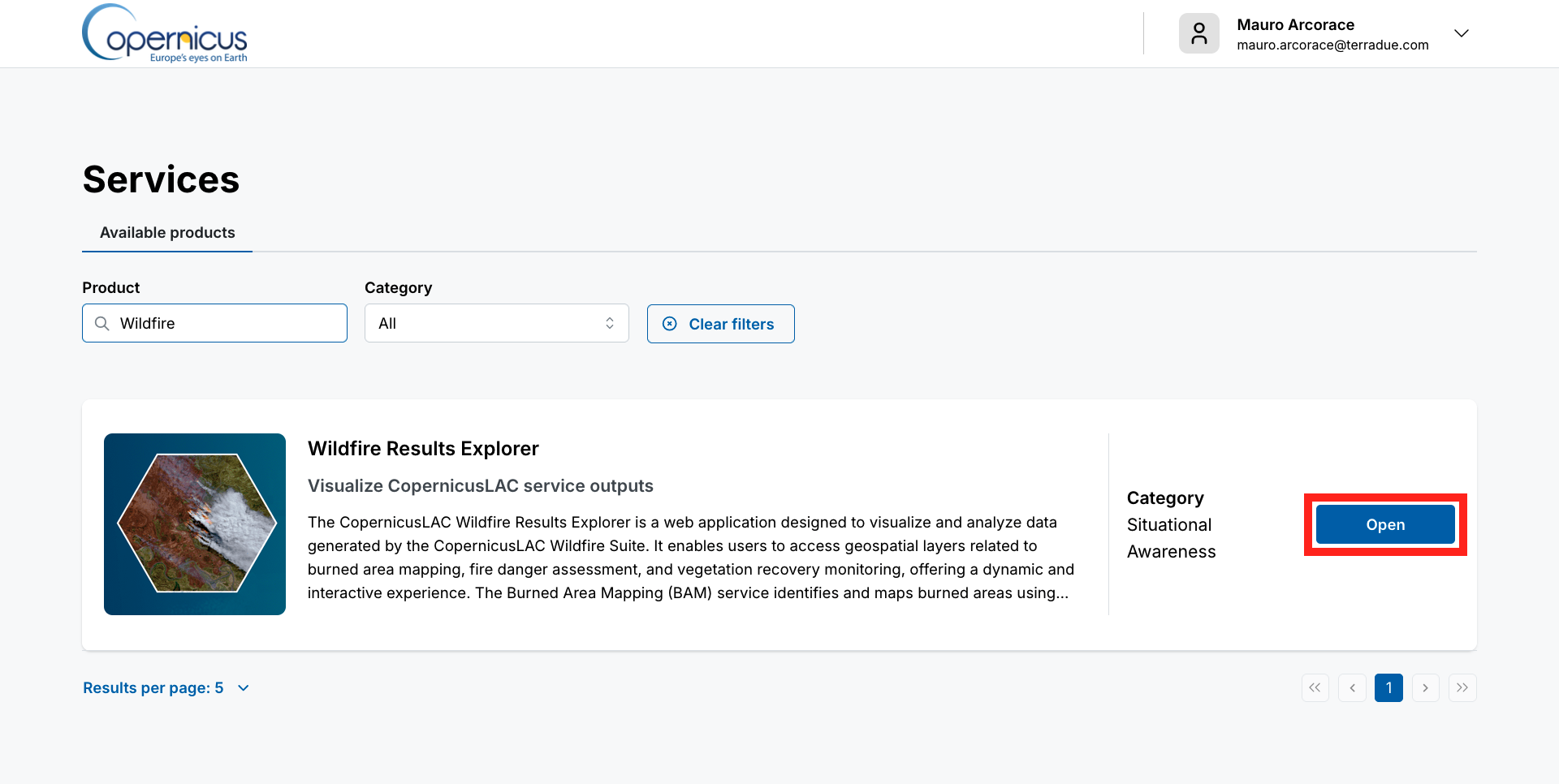
To access one of these web applications the user shall click on the Open button next to the title of one of the use cases (e.g. Geohazards workspace).
At first access the CopernicusLAC Platform will show a 3D view of the world centered over the region of interest defined by the use case within the LAC region.
List of web applications
The explorers or workspaces currently available in the CopernicusLAC Platform are: